Skip to main content
Portfolio
Services
Process
Record Label
Publishing
Software
Workflows
Marketing
More
Company
Home
About
Profile
Portfolio
Contact
Build With Quill
AI Services
Page not available yet
System Mapping
System Build
Coming soon
Custom Web Design
Coming soon
Automated Marketing
Testimonials
Coming soon
Explore
CRM Portal
Store
Blog
News
Planned Path
Newsletter
Coming soon
Start a Project
Login
Create Account
Store
Menu
Featured
Portfolio
Services
Process
Record Label
Publishing
Software
Workflows
Marketing
Start a Project
Login
Create Account
Store
More Pages
Company
Home
About
Profile
Portfolio
Contact
Build With Quill
AI Services
Page not available yet
System Mapping
System Build
Coming soon
Custom Web Design
Coming soon
Automated Marketing
Testimonials
Coming soon
Explore
CRM Portal
Store
Blog
News
Planned Path
Newsletter
Coming soon
Software
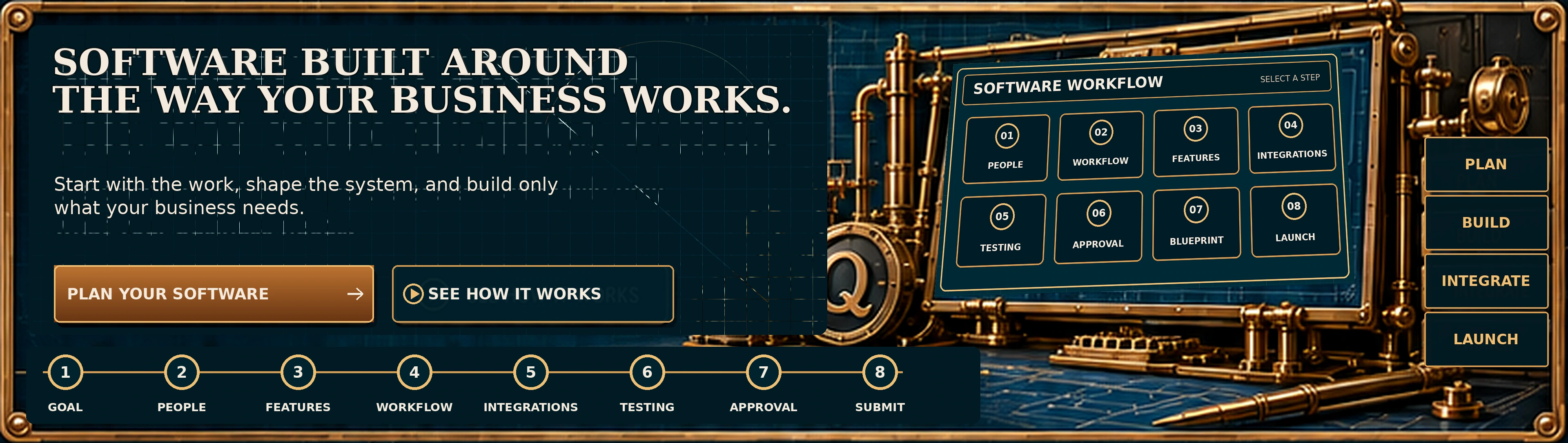
Plan Your Software
See How It Works: show the next summary
Open the People summary
Open the Workflow summary
Open the Features summary
Open the Integrations summary
Open the Testing summary
Open the Approval summary
Open the Blueprint summary
Open the Launch summary
Show Goal
Show People
Show Features
Show Workflow
Show Integrations
Show Testing
Show Approval
Show Submit and blueprint
Open the Plan stage
Open the Build stage
Open the Integrate stage
Open the Launch stage
See the Approach: open Current Work
Open the Current Work summary
Open the Bottlenecks summary
Open the Connected Workflow summary
Open the Software Blueprint summary
Build Your Core: open Define the Goal
Step 1: Define the Goal
Step 2: Choose Who Uses It
Step 3: Select Core Features
Open the Customers summary
Open the Projects summary
Open the Team summary
Open the Files summary
Open the Integrations summary
Open the Reporting summary
Open the Priority Map summary
Open the Draft summary
Open the Review summary
Open the Approve summary
Open the Build summary
Open the Launch summary
Run a test using Client Onboarding
Open the Client Onboarding simulation
Open the Project Delivery simulation
Open the Invoice and Payment simulation
Open the File Approval simulation
Open the Custom Scenario simulation
Open the Workflow Simulator
Open the Expected Results summary
Open the Feedback Status summary
Send Plan To Quill: open Review With Quill
Open the Saved Plans summary
Open the Review With Quill summary
Open the Recommended Software Path summary
Review Your Blueprint
Start Your Software Plan
Talk With Quill
 Plan Your Software


